
Try the board
Run the show.
Step into the director's chair. When a cue comes in, take the right camera — or key the graphic — before the clock runs out. Keep the broadcast clean and see how you score.
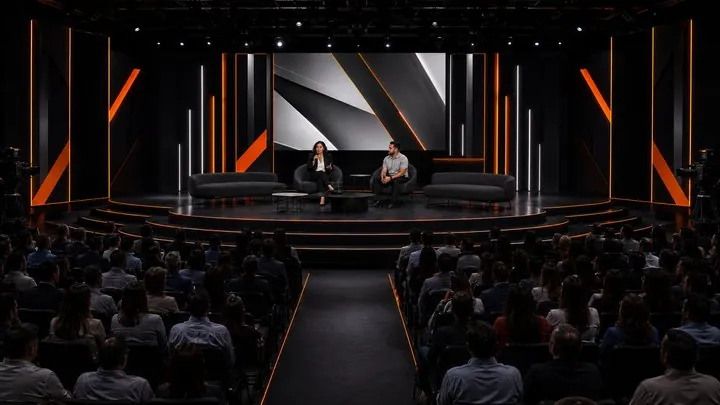 Preview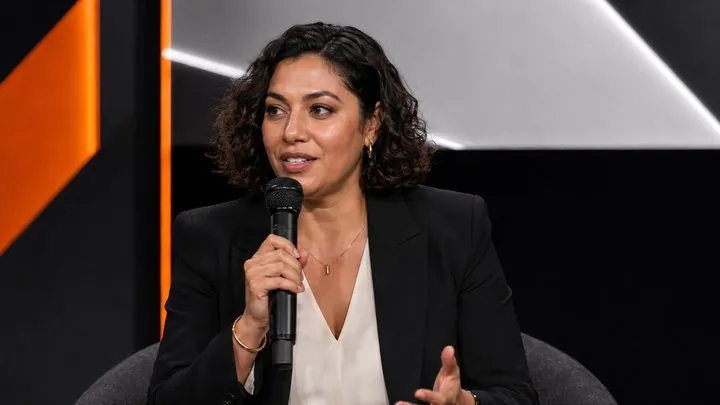
 Program




Cam1
Cam2
Cam3
Cam4
Cam5
Rov
Vid
Cue a source, then CUT or FADE · GFX keys the graphic · AUTO lets it self-run
Switching is only the part the audience sees. Behind every live production are the signal paths, audio systems, graphics, recordings and redundancies that keep the show moving.
Plan a production →